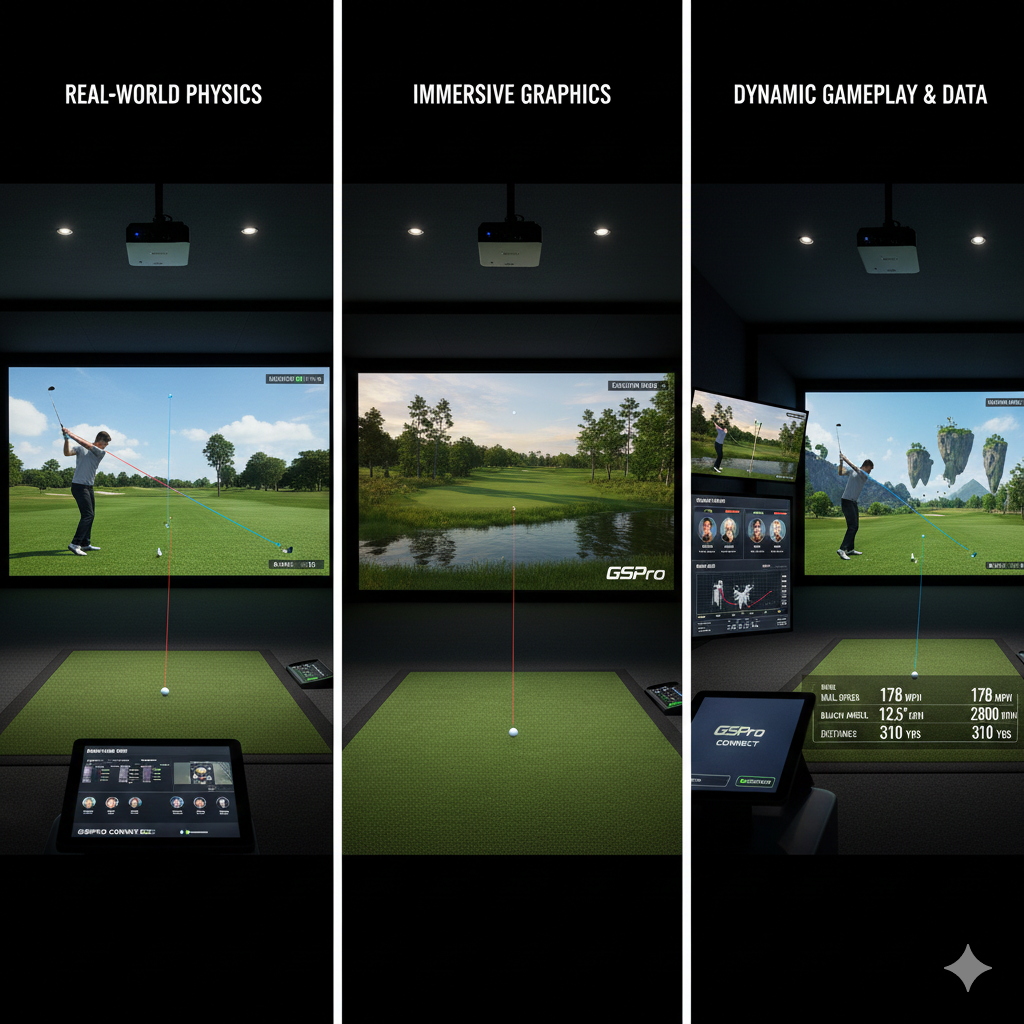
As we begin connecting our home studio for online play, we’re combining technology with golf passion. Golf simulators have changed how we experience the game, enabling practice, competition, and socialization from home. A proper setup creates an immersive environment that improves skills while connecting us with golf enthusiasts worldwide.
In today’s digital era, connecting home studios to online platforms expands our opportunities. We can participate in friendly competitions, leagues, and tournaments without visiting physical courses. This article provides essential guidance for setting up home studios, finding playing partners, and exploring the active online golf community.
Key Takeaways
- Setting up a home studio is essential for seamless online golf simulator play.
- Joining online leagues and finding friends enhances the remote golfing experience.
- Scheduling matches and using voice/video chat improves communication during play.
- Maintaining a stable internet connection is crucial for uninterrupted gameplay.
- Exploring various platforms and organizing virtual events keeps the golf community engaged.
Setting Up Your Home Studio for Online Play
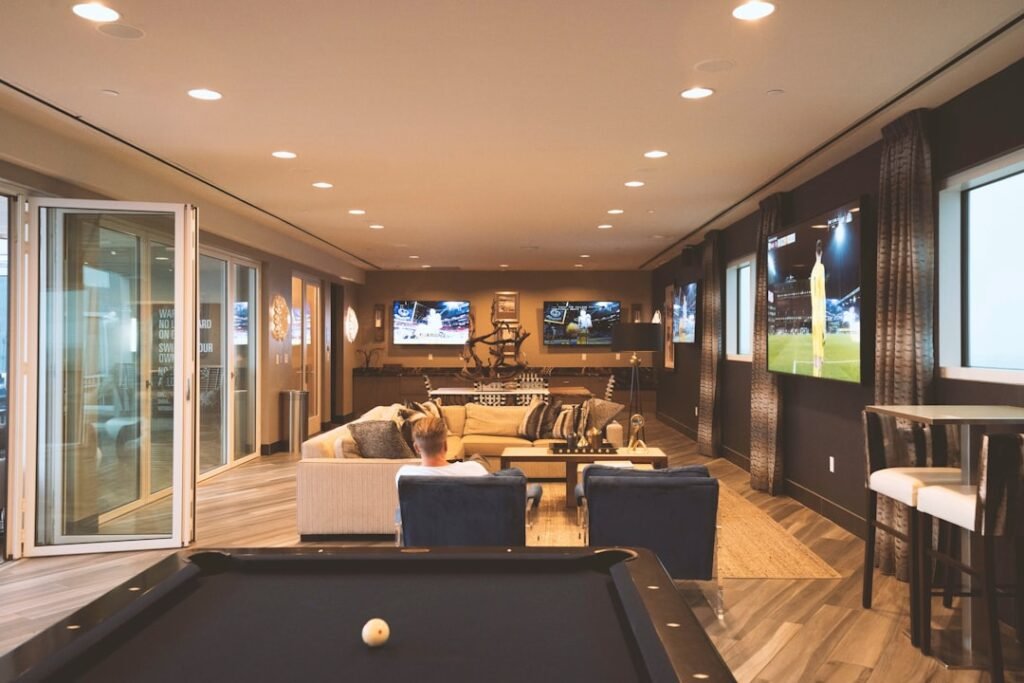
To create an effective home studio for online play, we must first consider the space we have available. Ideally, we should designate a room or area that allows for ample movement and is free from distractions. A well-lit environment is crucial, as it not only enhances our experience but also ensures that our equipment functions optimally.
We should invest in quality lighting, whether through natural light or artificial sources, to create a welcoming atmosphere. Next, we need to focus on the equipment that will bring our home studio to life. A reliable golf simulator is at the heart of our setup, providing us with accurate data and realistic gameplay.
We should also consider investing in a high-definition projector or screen to display our virtual courses vividly. Additionally, a good quality mat and net will help us practice our swings without worrying about damaging our surroundings. By carefully selecting our equipment and arranging it thoughtfully, we can create a space that feels both professional and inviting.
Joining Online Leagues for Golf Simulators
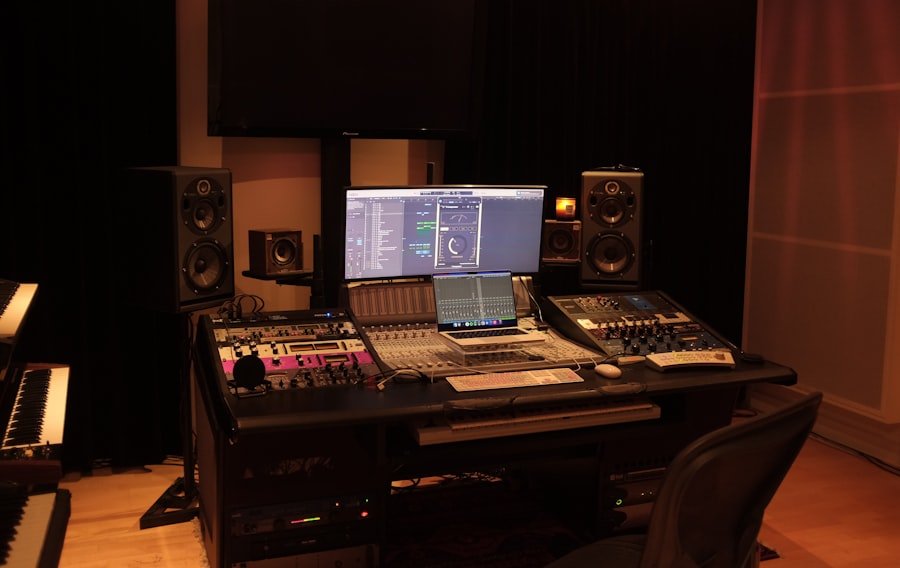
Once our home studio is set up, we can dive into the exciting world of online leagues for golf simulators. These leagues offer a structured environment where we can compete against players of varying skill levels, providing both challenge and camaraderie. Joining a league not only enhances our gameplay but also allows us to connect with like-minded individuals who share our passion for golf.
There are numerous online platforms that host leagues, each with its own unique features and community dynamics. We should take the time to research these options, considering factors such as league size, frequency of matches, and the overall atmosphere. By finding a league that aligns with our interests and skill level, we can ensure a rewarding experience that keeps us engaged and motivated to improve.
Finding Friends to Play with Remotely
One of the most enjoyable aspects of playing golf is sharing the experience with friends. In the realm of online play, we can easily connect with friends or even make new ones through various platforms. Social media groups dedicated to golf simulators are a great starting point for finding fellow enthusiasts who are eager to play remotely.
By joining these communities, we can share tips, arrange matches, and even discuss strategies to enhance our gameplay. Additionally, many golf simulator platforms have built-in features that allow us to invite friends directly to play. We can create private matches or tournaments where we can compete against each other in a friendly setting.
This not only fosters a sense of community but also adds an element of fun and competition that keeps us coming back for more.
Choosing the Right Online League for Your Skill Level
| Metric | Description | Typical Value | Importance for Home Studio Setup |
|---|---|---|---|
| Internet Upload Speed | Speed at which data is sent from your home studio to the internet | 10 Mbps or higher | High – Ensures smooth streaming and low latency during remote play |
| Internet Download Speed | Speed at which data is received from the internet | 25 Mbps or higher | High – Important for receiving high-quality audio/video streams |
| Latency (Ping) | Time delay between sending and receiving data packets | Less than 50 ms | Critical – Low latency is essential for real-time interaction in online leagues |
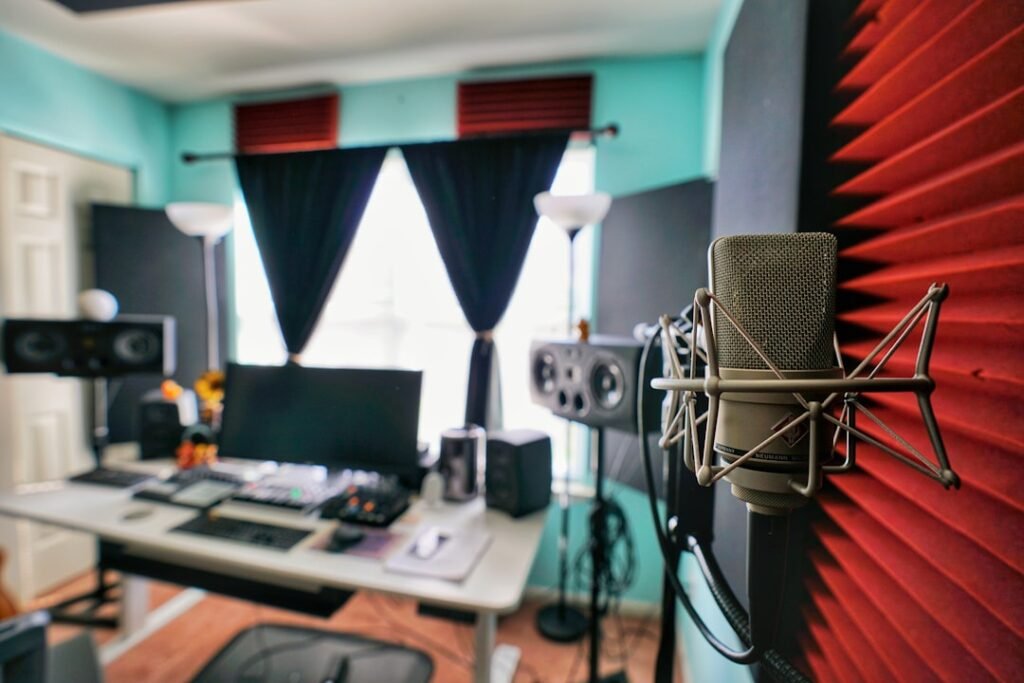
| Audio Interface Quality | Capability of the audio interface to handle multiple inputs/outputs | 24-bit/96 kHz or better | Medium – Ensures clear and professional sound during remote sessions |
| Streaming Platform Compatibility | Support for platforms like Twitch, YouTube, or Discord | Universal | High – Enables easy connection with friends and online leagues |
| Number of Remote Participants Supported | Maximum number of friends or league members that can join simultaneously | Up to 10 or more | Medium – Important for group sessions and league matches |
| Software Latency | Delay introduced by DAW or communication software | Less than 10 ms | High – Minimizes lag during collaborative play and recording |
| Synchronization Accuracy | Ability to keep multiple remote audio streams in sync | Within 1 ms | Critical – Essential for tight timing in online leagues and jam sessions |
Selecting the right online league is crucial for ensuring an enjoyable experience as we navigate the world of virtual golf. We should assess our skill level honestly and seek out leagues that cater to players at similar stages in their golfing journey. Many leagues offer divisions based on skill levels, allowing us to compete against others who are at a comparable level of expertise.
By choosing a league that matches our abilities, we can avoid frustration while still being challenged to improve. It’s important to remember that the primary goal is to enjoy the game and foster connections with fellow players. As we grow in skill and confidence, we can always consider moving up to more competitive leagues that push us further.
Scheduling Matches and Tournaments with Friends

Once we have established connections with friends and chosen an appropriate league, scheduling matches becomes an essential part of our online golfing experience. We should coordinate times that work for everyone involved, taking into account different time zones and personal commitments. Utilizing shared calendars or scheduling apps can streamline this process, ensuring that everyone is on the same page.
In addition to regular matches, organizing tournaments among friends can add an exciting twist to our gameplay. We can set up brackets, establish rules, and even create prizes for winners to enhance the competitive spirit. By taking the time to plan these events, we not only strengthen our friendships but also create lasting memories centered around our shared love for golf.
Utilizing Voice Chat and Video Conferencing for Remote Play
To truly replicate the social aspect of playing golf together, we should consider utilizing voice chat and video conferencing tools during our online sessions. Platforms like Discord or Zoom allow us to communicate in real-time while playing, making it feel as though we are right there on the course together. This interaction adds a layer of enjoyment as we can share banter, celebrate good shots, and discuss strategies as if we were physically present.
Moreover, video conferencing can enhance our experience by allowing us to see each other’s reactions and expressions during gameplay. This connection fosters camaraderie and makes each match feel more personal. By integrating these tools into our online play, we can maintain strong relationships with friends while enjoying the thrill of competition.
Tips for Maintaining a Stable Internet Connection
A stable internet connection is vital for seamless online play; without it, our gaming experience can quickly become frustrating. To ensure that we maintain a reliable connection, we should consider several factors. First and foremost, using a wired Ethernet connection instead of Wi-Fi can significantly improve stability and reduce latency during gameplay.
Additionally, it’s wise to limit the number of devices connected to our network while playing. Streaming services or other high-bandwidth activities running simultaneously can lead to lag or interruptions in gameplay. By prioritizing our gaming setup and minimizing distractions on our network, we can enjoy smooth sessions without technical hiccups.
Organizing Virtual Golf Events with Friends
As we become more comfortable with online play, organizing virtual golf events with friends can be an exciting way to engage with our community. These events can range from casual rounds to more structured tournaments with specific rules and formats. By planning these gatherings, we create opportunities for friendly competition while strengthening our bonds with fellow golfers.
We can also incorporate themes or challenges into our virtual events to keep things fresh and engaging. For instance, we might host a “best dressed” competition or set specific goals for each round played. These creative touches not only enhance the fun but also encourage participation from all involved.
Exploring Different Online Platforms for Remote Play
The landscape of online golf simulators is vast and varied; exploring different platforms can help us find the one that best suits our needs and preferences. Each platform offers unique features such as course selections, gameplay mechanics, and community engagement options. By trying out multiple platforms, we can discover which one resonates most with us.
Some platforms may focus on realism and accuracy in simulation, while others might prioritize social interaction and community-building features. By understanding what each platform has to offer, we can make informed decisions about where to invest our time and energy in online play.
Staying Engaged and Connected with Your Online Golf Community
Finally, staying engaged with our online golf community is essential for maintaining motivation and enthusiasm for the game. We should actively participate in discussions on forums or social media groups dedicated to golf simulators. Sharing experiences, tips, and achievements not only enriches our own understanding but also contributes positively to the community as a whole.
Additionally, attending virtual events or webinars hosted by industry experts can provide valuable insights into improving our game or understanding new technologies in golf simulation. By remaining active within this community, we foster connections that enhance our overall experience while continuing to grow as golfers. In conclusion, connecting our home studio for online play opens up a world of opportunities for enjoyment and camaraderie in the game of golf.
By following these steps—setting up an effective studio, joining leagues, finding friends to play with remotely, and staying engaged—we can create a fulfilling golfing experience that transcends physical boundaries. As technology continues to evolve, so too will our ability to connect with others who share our passion for this timeless sport.
If you’re looking to enhance your home golf experience, you might find the article on building a home golf studio particularly useful. It provides valuable insights on how to create a functional and enjoyable space for practicing your swing, which can complement the tips on connecting with online leagues and playing remotely with friends. By combining the right setup with virtual play, you can take your golf game to the next level from the comfort of your home.
FAQs
What is a home studio in the context of online leagues and remote play?
A home studio refers to a personal setup equipped with the necessary hardware and software to participate in online gaming leagues and remote play sessions from home. This typically includes a computer or gaming console, a reliable internet connection, audio and video equipment, and any specialized peripherals required for the game.
How can I connect my home studio to participate in online leagues?
To connect your home studio for online leagues, you need to ensure a stable internet connection, install the required gaming software or platform, create an account if necessary, and join the league through the official website or gaming client. Additionally, configuring your audio and video settings for communication with other players is important.
What equipment is essential for remote play with friends?
Essential equipment for remote play includes a gaming device (PC, console, or mobile), a high-speed internet connection, a headset or microphone for communication, a webcam if video interaction is desired, and any game-specific controllers or accessories.
Are there specific platforms recommended for online leagues and remote play?
Popular platforms for online leagues and remote play include Steam, Xbox Live, PlayStation Network, Discord, and specialized league websites. The choice depends on the game being played and the preferences of the gaming community.
How do online leagues typically manage scheduling and matches?
Online leagues often use dedicated websites or apps to schedule matches, track player rankings, and communicate updates. Players usually coordinate match times through these platforms or via direct communication tools like Discord or email.
Is a high-speed internet connection necessary for smooth remote play?
Yes, a high-speed and stable internet connection is crucial to minimize latency, reduce lag, and ensure a smooth gaming experience during remote play and online league matches.
Can I use my home studio setup for both casual gaming and competitive online leagues?
Absolutely. A well-equipped home studio can be used for casual gaming with friends as well as for participating in competitive online leagues, provided it meets the technical requirements of the games and platforms involved.
What are some tips for improving communication during remote play sessions?
To improve communication, use a quality headset with a clear microphone, establish communication protocols with your team, use voice chat platforms like Discord, and ensure your audio settings are properly configured to avoid background noise and echo.
Are there security considerations when connecting to online leagues from a home studio?
Yes, it is important to use strong, unique passwords for gaming accounts, enable two-factor authentication where available, keep your software and antivirus updated, and be cautious about sharing personal information during online interactions.
Can I stream my online league matches from my home studio?
Yes, many gamers use streaming software like OBS Studio or Streamlabs to broadcast their matches live on platforms such as Twitch or YouTube, provided their hardware and internet connection support streaming alongside gameplay.