The sports industry has experienced substantial changes in recent years, driven by technological advances that enable participation in athletic activities from home environments. Online leagues and remote play systems have developed as viable alternatives to traditional sports participation, allowing players to connect with other enthusiasts across geographic distances. Golf has been particularly affected by this transformation, with golf simulators and digital platforms providing opportunities to play without accessing physical golf courses.
Online golf leagues have established communities of players who participate in competitive formats, monitor performance metrics, and interact with others who share similar interests. Remote play technology allows golfers to participate at flexible times, accommodating varying schedules and time constraints. This technological shift encompasses several key components: establishing home-based golf simulation systems, identifying and joining online leagues, and maintaining connections with other players through digital platforms.
Key Takeaways
- Online golf leagues and remote play offer engaging ways to enjoy golf from home.
- Setting up a proper home studio and choosing the right equipment is essential for smooth gameplay.
- Joining leagues and organizing tournaments helps build a vibrant community and enhances social interaction.
- Hosting remote play sessions with friends requires good planning and technical setup for the best experience.
- Staying connected through online platforms maximizes the benefits and enjoyment of your home golf simulator.
Setting Up Your Home Studio for Online Play
Creating an effective home studio for online golf play is essential for maximizing our enjoyment and performance. The first step in this process is selecting an appropriate space within our homes. Ideally, we should choose a room that offers ample space for our simulator setup, allowing us to swing freely without any obstructions.
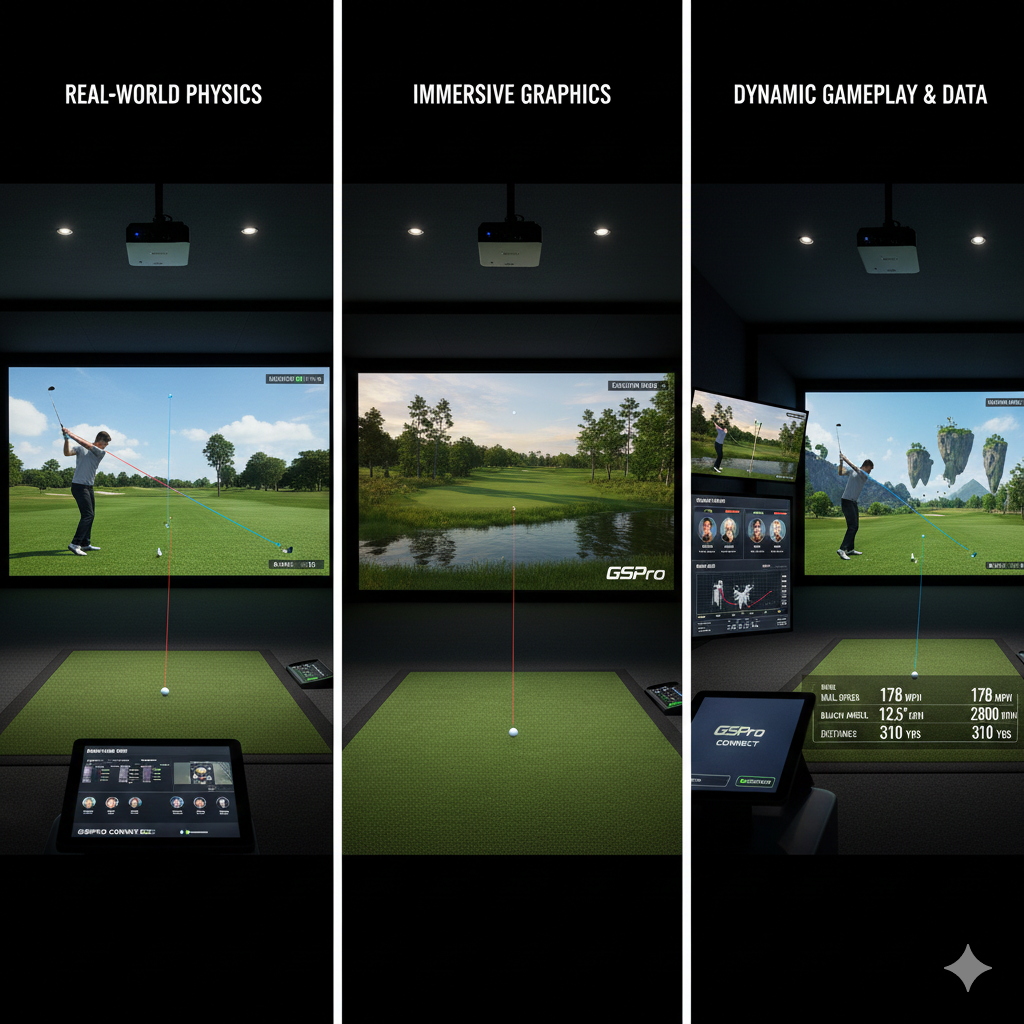
We must also consider factors such as lighting and ventilation, as these elements can significantly impact our overall experience. Once we have identified the perfect location, we can begin investing in the necessary equipment. A high-quality golf simulator is the centerpiece of our home studio, providing us with accurate data on our swings and shots.
Additionally, we should consider incorporating a launch monitor, which can help us analyze our performance in real-time. To enhance our experience further, we might want to invest in a projector or large screen to display the virtual courses we will be playing on. By carefully curating our home studio setup, we can create an environment that fosters both enjoyment and improvement in our game.
Finding and Joining Online Golf Simulator Leagues

With our home studio set up, the next step is to explore the various online golf simulator leagues available to us. A quick search online reveals a plethora of options, ranging from casual leagues to more competitive formats. We can start by visiting dedicated websites or forums that cater to golf enthusiasts, where we can find information about different leagues and their requirements.
Many leagues offer free trials or introductory sessions, allowing us to test the waters before committing fully. Once we have identified a league that piques our interest, we can easily sign up and create an account. Most leagues require us to provide some basic information about our golfing experience and skill level, which helps them match us with players of similar abilities.
As we join these online communities, we will find ourselves immersed in a world of friendly competition and camaraderie, where we can share tips, strategies, and experiences with fellow golfers.
Benefits of Joining Online Leagues
Participating in online golf leagues offers numerous benefits that can enhance our overall golfing experience. One of the most significant advantages is the opportunity for regular practice and competition. By engaging in league play, we can establish a routine that encourages us to improve our skills consistently.
The structured format of these leagues often includes weekly or monthly tournaments, providing us with goals to strive for and milestones to celebrate. Moreover, joining an online league allows us to connect with a diverse group of players from around the world. This sense of community fosters friendships and encourages collaboration as we share insights and techniques with one another.
The social aspect of online leagues can be incredibly rewarding, as we bond over our shared love for golf while also pushing each other to reach new heights in our game.
Remote Play with Friends Using Golf Simulators
| Metric | Description | Typical Value | Importance for Home Studio Setup |
|---|---|---|---|
| Internet Speed (Upload/Download) | Bandwidth required for smooth online play and streaming | Minimum 10 Mbps / 10 Mbps | High – Ensures low latency and stable connections |
| Latency (Ping) | Time delay between sending and receiving data packets | Below 50 ms | Critical – Affects real-time interaction quality |
| Number of Concurrent Players | Maximum players supported in an online league or session | 4-16 players | Medium – Influences server load and coordination |
| Audio Quality | Bitrate for voice chat and music streaming | 64-128 kbps | High – Important for clear communication and music fidelity |
| Video Resolution (if streaming) | Quality of video feed shared during remote play | 720p to 1080p | Medium – Enhances visual experience for participants |
| Platform Compatibility | Supported operating systems and devices | Windows, macOS, iOS, Android | High – Ensures all friends can connect easily |
| Software Latency | Delay introduced by audio routing and processing software | Below 10 ms | High – Maintains synchronization in remote jam sessions |
| Security Features | Encryption and privacy controls for online sessions | End-to-end encryption | Medium – Protects user data and session integrity |
One of the most enjoyable aspects of golf simulators is the ability to play remotely with friends. Even if we are miles apart, technology allows us to connect and enjoy a round together as if we were on the same course. To set up remote play sessions with friends, we can utilize various platforms that support multiplayer functionality.
Many simulators come equipped with online features that enable us to invite friends to join us for a virtual round. When playing remotely with friends, we can choose from a variety of courses and formats, adding an element of excitement to each session. Whether we opt for a friendly match or a more competitive tournament-style play, the camaraderie remains intact as we cheer each other on and share in the highs and lows of our performances.
Remote play not only strengthens our friendships but also allows us to maintain a sense of connection even when physical distance separates us.
Choosing the Right Equipment for Remote Play

Selecting the right equipment is crucial for ensuring an enjoyable remote play experience with friends. First and foremost, we need a reliable golf simulator that offers accurate data tracking and realistic graphics. There are several options available on the market, ranging from entry-level models to high-end systems that provide advanced features.
We should consider factors such as budget, space requirements, and desired functionalities when making our choice. In addition to the simulator itself, investing in quality peripherals can significantly enhance our remote play sessions. A good launch monitor is essential for tracking our swings and providing valuable feedback during gameplay.
Furthermore, we may want to consider accessories such as high-definition projectors or screens that display the virtual courses clearly. By carefully selecting our equipment, we can create an immersive experience that keeps us engaged and motivated during remote play.
Tips for Hosting Remote Play Sessions
Hosting remote play sessions with friends can be a fun and rewarding experience if approached thoughtfully. To ensure everything runs smoothly, we should start by coordinating schedules with our friends to find a time that works for everyone. Once we have settled on a date and time, we can send out invitations through messaging apps or social media platforms to keep everyone informed.
Before the session begins, it’s essential to test our equipment and ensure everything is functioning correctly. We should check our internet connection speed to avoid any lag during gameplay, as this can detract from the overall experience. Additionally, familiarizing ourselves with the simulator’s multiplayer features will help us navigate any potential challenges during the session.
By taking these steps ahead of time, we can create an enjoyable atmosphere where everyone feels comfortable participating.
Organizing Tournaments and Events with Friends
As we become more comfortable with remote play sessions, organizing tournaments and events with friends can add an exciting competitive edge to our gameplay. We can establish a friendly rivalry by creating brackets or leaderboards that track each player’s performance over multiple rounds. This not only motivates us to improve but also fosters a sense of community among participants.
To make these tournaments even more engaging, we might consider incorporating fun themes or challenges into our events. For example, we could host a “best dressed” competition or introduce unique scoring systems that reward creativity in gameplay. By adding these elements, we create memorable experiences that go beyond just playing golf; they become opportunities for laughter and bonding among friends.
Building a Community Around Your Home Studio
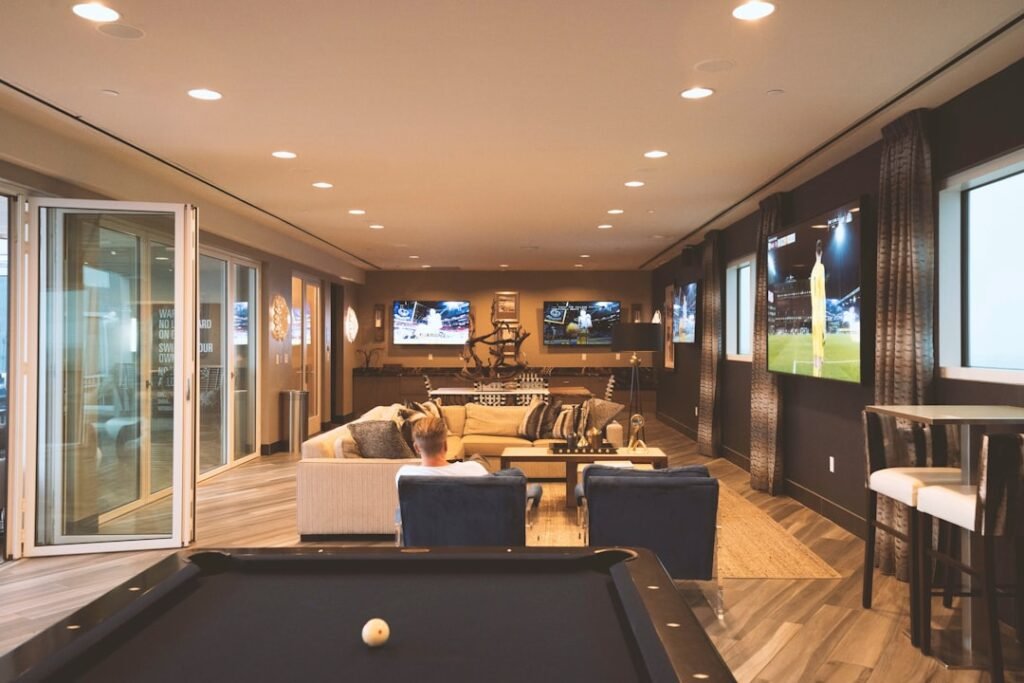
As we continue to engage in online leagues and remote play sessions, building a community around our home studio becomes increasingly important. We can start by inviting friends over for casual practice sessions or hosting watch parties for major golf tournaments. These gatherings not only strengthen existing friendships but also provide opportunities to meet new people who share our passion for golf.
Additionally, participating in online forums or social media groups dedicated to golf enthusiasts allows us to connect with like-minded individuals from around the world. Sharing tips, experiences, and even hosting virtual meetups can help foster a sense of belonging within this community. By actively engaging with others who share our interests, we contribute to a vibrant network that enhances our overall golfing experience.
Staying Connected with Online Leagues and Remote Play
To fully enjoy the benefits of online leagues and remote play, staying connected is essential. Regularly checking league updates and participating in discussions keeps us informed about upcoming events and opportunities for competition. Many leagues also offer newsletters or social media channels where members can share their achievements and connect with one another.
Moreover, maintaining communication with friends who participate in remote play sessions is crucial for fostering camaraderie. We can create group chats or dedicated social media pages where we share tips, schedule games, and celebrate each other’s successes. By prioritizing these connections, we ensure that our golfing journey remains enjoyable and fulfilling.
Enhancing Your Home Studio Experience
In conclusion, embracing online leagues and remote play has transformed how we engage with golf from home. By setting up an effective home studio, finding leagues to join, and connecting with friends through remote play sessions, we have opened up new avenues for enjoyment and improvement in our game. The benefits of joining online leagues extend beyond just competition; they foster friendships and create a sense of community among players.
As we continue to explore this exciting landscape of online golf simulators and remote play opportunities, let us remain committed to enhancing our experiences both individually and collectively. By investing in quality equipment, organizing events with friends, and staying connected within the golfing community, we can ensure that our home studio becomes a hub of enjoyment and growth for years to come.
If you’re looking to enhance your home golf experience, you might find the article on converting your garage or spare room into the perfect golf studio particularly useful. This guide complements the insights from “Connecting Your Home Studio: Online Leagues and Remote Play with Friends” by providing practical tips on creating an ideal space for practice and play, ensuring that you can enjoy your favorite sport from the comfort of your home.
FAQs
What is a home studio in the context of online leagues and remote play?
A home studio refers to a personal setup equipped with the necessary hardware and software to participate in online gaming leagues and remote play sessions from home. This typically includes a computer or gaming console, a reliable internet connection, audio and video equipment, and any specialized peripherals required for the game.
How can I connect my home studio to participate in online leagues?
To connect your home studio for online leagues, you need to ensure a stable internet connection, install the required gaming software or platform, and configure your audio and video settings for communication. Joining official league websites or platforms and following their registration and setup instructions is also necessary.
What equipment is essential for remote play with friends?
Essential equipment for remote play includes a gaming device (PC, console, or mobile), a headset with a microphone for communication, a webcam if video interaction is desired, and a stable internet connection. Additional peripherals like controllers or specialized input devices may be required depending on the game.
Can I use any internet connection for online leagues and remote play?
While any internet connection can technically be used, a high-speed broadband connection with low latency is recommended to ensure smooth gameplay and communication. Wired Ethernet connections are generally more stable than Wi-Fi for online gaming.
Are there specific software platforms for managing online leagues?
Yes, there are several platforms designed to manage online leagues, such as Battlefy, Toornament, and Challonge. These platforms help organize tournaments, track scores, and facilitate communication among participants.
Is it possible to play with friends who use different gaming platforms?
Cross-platform play depends on the game and its developers. Some games support cross-platform multiplayer, allowing players on different devices to play together, while others restrict play to the same platform.
How do I ensure good audio and video quality during remote play?
To ensure good audio and video quality, use a high-quality microphone and webcam, configure your settings properly, and maintain a strong internet connection. Minimizing background noise and using headphones can also improve communication clarity.
What are common challenges when connecting a home studio for online leagues?
Common challenges include internet connectivity issues, hardware compatibility problems, software configuration errors, and latency or lag during gameplay. Proper setup, regular updates, and troubleshooting can help mitigate these issues.
Can I stream my gameplay while participating in online leagues?
Yes, many players stream their gameplay using platforms like Twitch or YouTube. Streaming requires additional software such as OBS Studio and sufficient hardware resources to handle both gaming and broadcasting simultaneously.
Is it necessary to have a professional-grade home studio to participate in online leagues?
No, a professional-grade home studio is not necessary. Many players participate successfully with basic setups. However, investing in quality equipment can enhance the experience and performance during online leagues and remote play.