
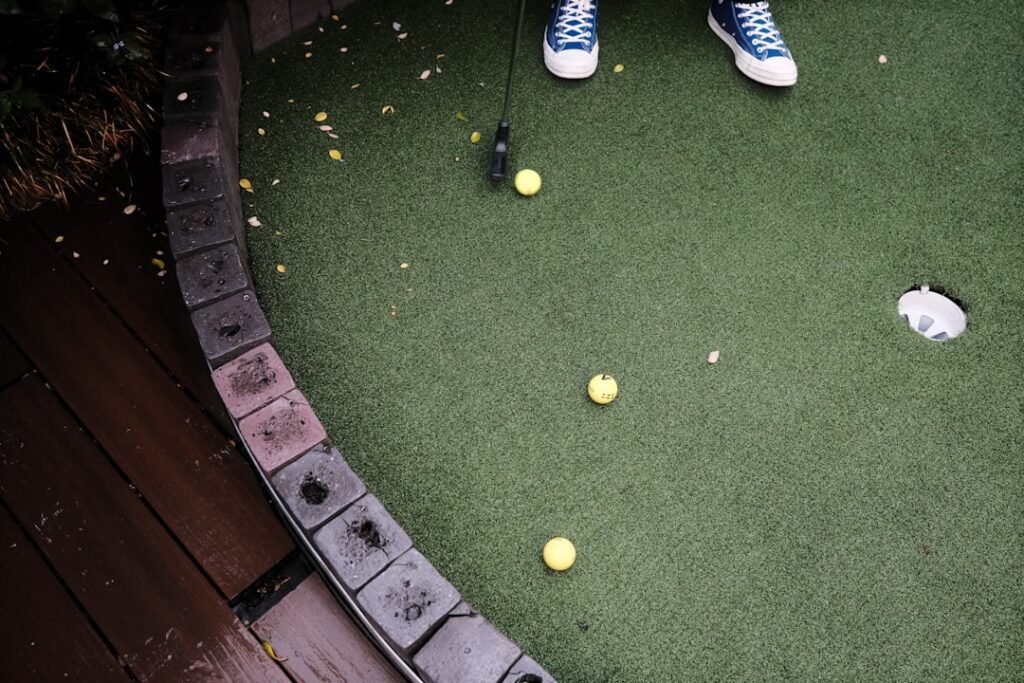
When creating a golf studio, the first step is to assess the available space. This could be a garage, spare room, or dedicated outdoor area. Measuring the height, width, and length of the space is essential to ensure it can accommodate the necessary equipment.
A standard golf swing requires a minimum ceiling height of 10 feet and a width of at least 12 feet to practice without restrictions. The location’s accessibility and convenience are also important considerations. A golf studio that will be used frequently should be easily accessible from the main living area or entrance.
Ventilation and climate control are critical factors, particularly in regions with extreme temperatures. Good ventilation ensures comfort during extended practice sessions, while climate control protects equipment from humidity and temperature variations. A thorough assessment of these factors helps determine the optimal location that satisfies both practical requirements and golfing goals.
Key Takeaways
- Choose the ideal location by assessing space size, lighting, and ventilation for your golf studio.
- Select high-quality golf simulator equipment and technology tailored to your space and budget.
- Optimize layout and aesthetics in spare rooms to create a comfortable and functional golf environment.
- Implement smart storage solutions to keep clubs, balls, and accessories organized and accessible.
- Enhance realism with proper installation of impact screens, projectors, lighting, and sound systems.
Creating the Ultimate Garage Golf Simulator Setup: Choosing the Right Equipment and Technology
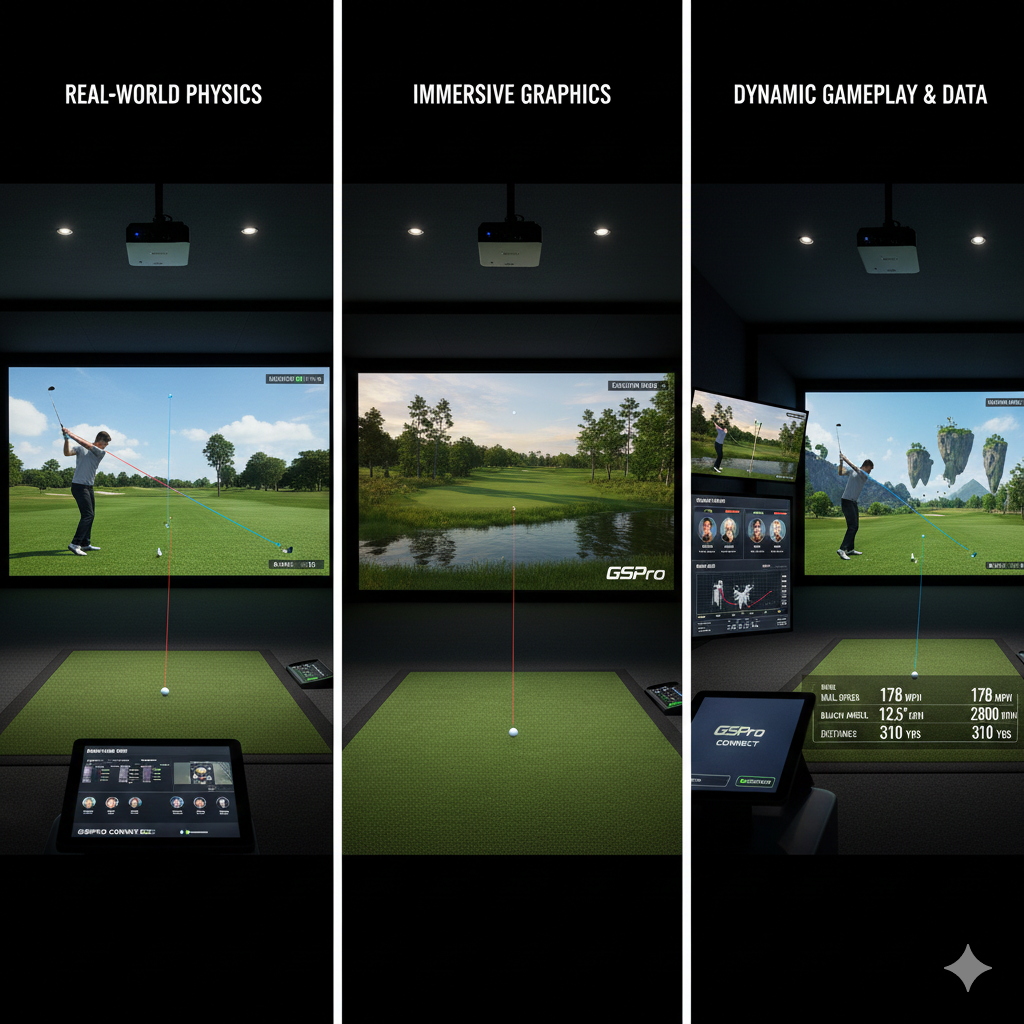
Once we have identified the ideal location for our golf studio, the next step is to create the ultimate garage golf simulator setup. This begins with selecting the right equipment and technology that will provide us with an immersive golfing experience. We should start by investing in a high-quality launch monitor, which will track our swing data and provide valuable feedback on our performance.
There are several options available on the market, ranging from budget-friendly models to professional-grade devices. We need to choose one that fits our skill level and budget while offering accurate data. In addition to a launch monitor, we should consider a reliable impact screen and projector system.
The impact screen will serve as our virtual driving range or course, while the projector will display realistic graphics that enhance our practice sessions. We must ensure that the projector has a high resolution and brightness level to deliver clear images, even in less-than-ideal lighting conditions. Furthermore, we should explore software options that come with various courses and practice modes, allowing us to simulate real-life golfing scenarios.
By carefully selecting our equipment and technology, we can create a garage golf simulator setup that rivals any commercial facility.
Designing the Perfect Spare Room Golf Studio: Tips for Layout and Aesthetics

For those of us who opt for a spare room as our golf studio, designing an effective layout is essential for maximizing both functionality and aesthetics. We should start by sketching out a floor plan that incorporates all necessary elements, such as the hitting area, impact screen, and seating for spectators or fellow golfers. It’s important to ensure that there is enough space for us to swing freely without obstruction while also considering how we can arrange furniture to create a welcoming atmosphere.
Aesthetics play a significant role in making our golf studio feel like a personal sanctuary. We can choose a color scheme that reflects our personality or incorporates elements of our favorite golf courses. Adding wall art featuring iconic golfing moments or photographs of ourselves on the course can personalize the space further.
Additionally, incorporating comfortable seating options will encourage friends and family to join us in our golfing endeavors. By thoughtfully designing the layout and aesthetics of our spare room golf studio, we can create an inviting environment that inspires us to practice regularly.
Maximizing Space Efficiency: Storage Solutions for Clubs, Balls, and Accessories
As we develop our golf studio, we must also consider how to maximize space efficiency through effective storage solutions for clubs, balls, and accessories. A cluttered environment can hinder our focus and enjoyment while practicing, so organizing our equipment is essential. We can invest in wall-mounted racks or shelves specifically designed for golf clubs, allowing us to keep them easily accessible while saving floor space.
These racks not only keep our clubs organized but also display them as part of the room’s decor. In addition to club storage, we should think about how to store other essential items like golf balls, tees, and training aids. Utilizing bins or baskets can help us categorize these items while keeping them within reach.
We might also consider incorporating multi-functional furniture pieces, such as ottomans with hidden storage compartments or benches that double as seating and storage units. By implementing these space-efficient storage solutions, we can maintain an organized and functional golf studio that enhances our overall experience.
Installing Impact Screens and Projectors: Key Considerations for a Seamless Golf Simulator Experience
| Aspect | Recommended Size | Key Equipment | Estimated Setup Time | Lighting Requirements | Soundproofing Tips | Cost Range |
|---|---|---|---|---|---|---|
| Space | 10 ft x 12 ft minimum | N/A | N/A | Bright, even lighting with no shadows | Use foam panels or heavy curtains | Low to Medium |
| Golf Simulator | N/A | Projector, impact screen, launch monitor | 1-2 days | Adjustable lighting to reduce glare | Enclose simulator area if possible | Medium to High |
| Flooring | N/A | Artificial turf or rubber mats | Half day | N/A | Use sound-absorbing mats | Low |
| Storage | N/A | Golf club racks, shelves | Few hours | N/A | Keep clutter minimal to reduce noise | Low |
| Ventilation | N/A | Fans or air conditioning | Varies | N/A | Ensure airflow to reduce echo | Low to Medium |
The installation of impact screens and projectors is a critical step in creating a seamless golf simulator experience in our studio. When selecting an impact screen, we should prioritize durability and image quality. A high-quality screen will withstand repeated impacts from golf balls while providing a clear projection surface for graphics.
We must also consider the size of the screen in relation to our hitting area; it should be large enough to capture all shots without compromising safety. When it comes to projectors, several key considerations come into play. We need to choose a projector with sufficient brightness and resolution to ensure that images are sharp and vibrant even in varying lighting conditions.
Additionally, we should think about the projector’s throw distance—how far it needs to be from the screen to produce a clear image—so that it fits well within our space constraints. Proper installation is equally important; we may need to mount the projector securely on the ceiling or wall at an optimal angle for viewing. By carefully considering these factors during installation, we can create an immersive golfing experience that feels authentic and engaging.
Lighting and Sound: Enhancing the Ambiance and Realism of Your Golf Studio

To elevate our golf studio experience further, we must pay attention to lighting and sound elements that enhance ambiance and realism. Proper lighting is essential not only for visibility but also for creating an inviting atmosphere. We can incorporate adjustable LED lighting that allows us to customize brightness levels based on our mood or time of day.
Additionally, using soft ambient lighting can help reduce glare on screens while providing a warm glow that makes the space feel cozy. Sound is another crucial aspect of creating an immersive environment in our golf studio. We might consider installing surround sound speakers that replicate the sounds of nature found on golf courses—birds chirping, wind rustling through trees—adding an extra layer of realism to our practice sessions.
Furthermore, integrating soundproofing materials into our design can minimize external noise distractions, allowing us to focus solely on our game. By thoughtfully enhancing both lighting and sound in our golf studio, we can create an atmosphere that transports us right onto the course.
Personalizing Your Golf Studio: Adding Decor, Furniture, and Personal Touches
As we finalize the design of our golf studio, personalizing it with decor, furniture, and unique touches is essential for making it feel like our own sanctuary. We can start by selecting furniture that reflects our style—comfortable seating options like recliners or bean bags can create a relaxed environment where we can unwind after practice sessions or enjoy watching others play. Additionally, incorporating elements like a mini-fridge stocked with refreshments can make it a social hub for friends who share our passion for golf.
Decor plays a significant role in personalizing our space as well. We might choose to hang framed memorabilia from memorable rounds of golf or display trophies from tournaments we’ve participated in. Adding plants or greenery can bring life into the room while improving air quality—a win-win situation!
By infusing personal touches throughout the studio—whether through decor choices or furniture selections—we create an inviting atmosphere that reflects who we are as golfers and individuals.
Maintenance and Upkeep: Tips for Keeping Your Garage or Spare Room Golf Studio in Top Condition
Finally, maintaining our garage or spare room golf studio is crucial for ensuring it remains in top condition over time. Regular upkeep not only prolongs the life of our equipment but also enhances our overall experience when practicing or playing. We should establish a cleaning routine that includes dusting surfaces regularly, vacuuming floors to remove debris from practice sessions, and checking equipment for any signs of wear or damage.
Additionally, we must be mindful of environmental factors that could affect our studio’s condition—monitoring humidity levels is particularly important if we live in areas prone to moisture buildup. Investing in dehumidifiers or air purifiers can help maintain optimal conditions for both us and our equipment. By prioritizing maintenance and upkeep in our golf studio, we ensure it remains a welcoming space where we can continue honing our skills for years to come.
In conclusion, creating a personal golf studio requires careful consideration of various factors—from assessing space and selecting equipment to designing an inviting atmosphere filled with personal touches. By following these guidelines and investing time into thoughtful planning and execution, we can develop a space that not only enhances our golfing experience but also serves as a reflection of who we are as passionate golfers.
FAQs
What are the essential equipment needed to set up a golf studio at home?
To set up a golf studio at home, you typically need a golf simulator, a hitting mat, a net or impact screen, a launch monitor, and appropriate lighting. Additional accessories like a putting green, golf clubs, and seating can enhance the experience.
How much space is required to convert a garage or spare room into a golf studio?
A minimum space of about 10 feet wide, 12 to 15 feet deep, and 8 to 10 feet high is generally recommended to comfortably swing a golf club and accommodate a simulator setup. Larger spaces allow for more flexibility and additional features.
Do I need special flooring for a home golf studio?
While not mandatory, installing a durable and impact-absorbing floor such as artificial turf or rubber mats can protect your floor and provide a realistic feel. A quality hitting mat is also essential to simulate fairway conditions and protect your clubs.
Can I use a spare room without natural light for a golf studio?
Yes, a spare room without natural light can be used effectively by installing adequate artificial lighting. Bright, evenly distributed lighting helps improve visibility and enhances the simulator’s performance.
Is professional installation required for a golf simulator?
Professional installation is recommended to ensure proper calibration, alignment, and safety, especially for complex or high-end simulators. However, many entry-level simulators come with detailed instructions for DIY setup.
What is the average cost of converting a garage or spare room into a golf studio?
Costs vary widely depending on equipment quality and room modifications but generally range from $2,000 for a basic setup to $20,000 or more for a high-end, fully immersive golf simulator system.
Can I use my existing golf clubs in a home golf studio?
Yes, you can use your existing golf clubs in a home golf studio. It is important to ensure the space allows for a full swing and that the simulator is compatible with the types of clubs you use.
How do I control noise when converting a garage into a golf studio?
To control noise, consider adding soundproofing materials such as acoustic panels, insulation, or heavy curtains. Using a net or impact screen can also reduce noise from ball impact.
Are there any safety considerations when setting up a golf studio at home?
Yes, ensure there is enough clearance to swing clubs safely, secure all equipment properly, and use impact screens or nets to prevent balls from causing damage or injury. Adequate lighting and ventilation are also important for safety and comfort.
Can a golf studio be used for practice in all weather conditions?
Yes, one of the main benefits of a home golf studio is that it allows you to practice regardless of weather conditions, providing a controlled indoor environment year-round.
Pingback: Optimizing Launch Monitor Settings for Indoor vs. Outdoor Practice - Golf Edge Pro
Pingback: Wedge Matrix Mastery: Dialing in Your Short Game Distances at Home - Golf Edge Pro
Pingback: When to Upgrade: Signs Your Home Golf Studio Needs a Tech Refresh - Golf Edge Pro
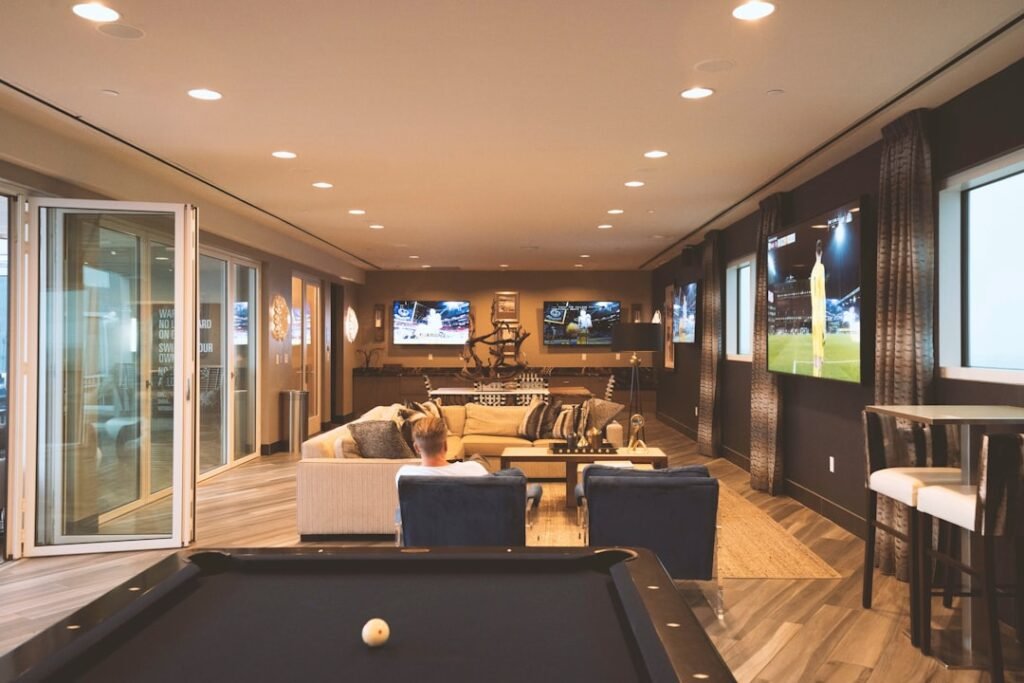
Pingback: The Social Studio: Design Tips for Creating a Hangout Space Around Your Sim - Golf Edge Pro
Pingback: Connecting Your Home Studio: Online Leagues and Remote Play with Friends - Golf Edge Pro
Pingback: Mindful Practice: How to Avoid "Drone Mode" and Make Every Swing Count - Golf Edge Pro